Help Center
You asked and XPO listened! The new BOL form adds lots of features our customers have asked for, so in addition to smoother navigation, you can do the following now while creating a BOL:
- Save addresses for future use
- Run a quote from the BOL
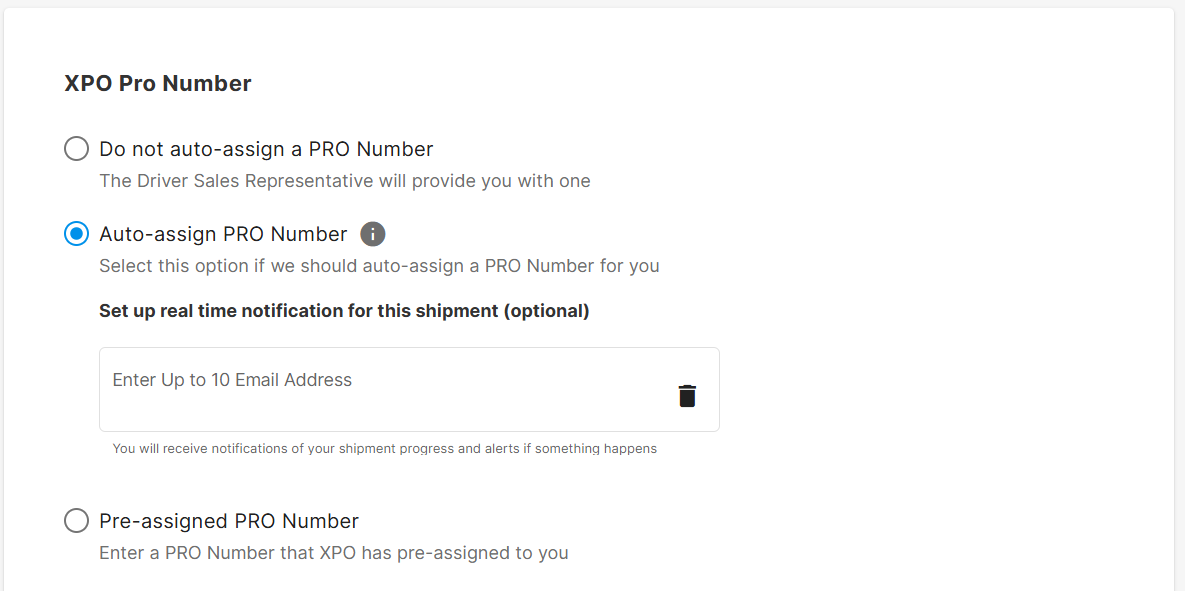
- Sign up for notifications about a shipment
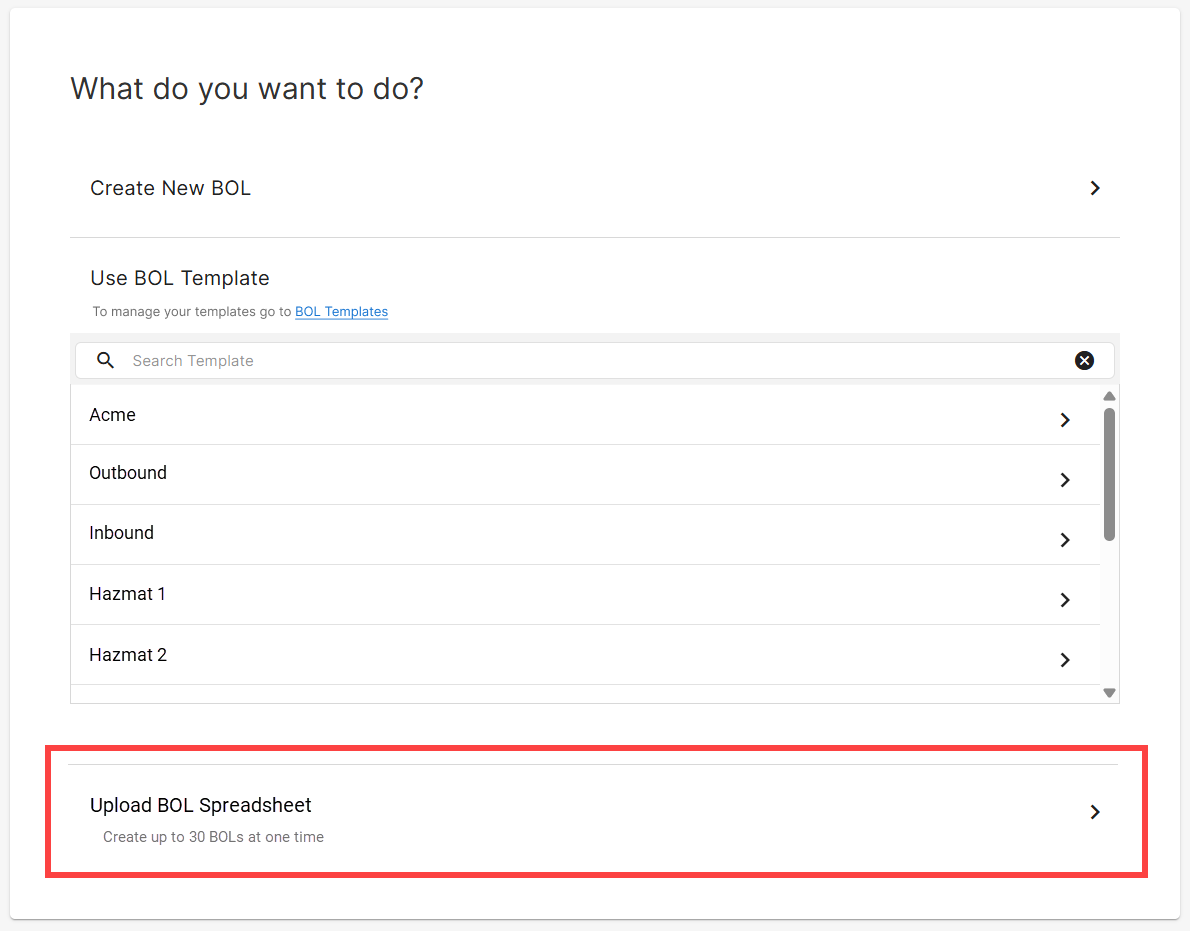
Plus for those of you that need to create several bills of lading at once, we now offer the ability to upload a spreadsheet to create multiple bills of lading at one time!
Save an address
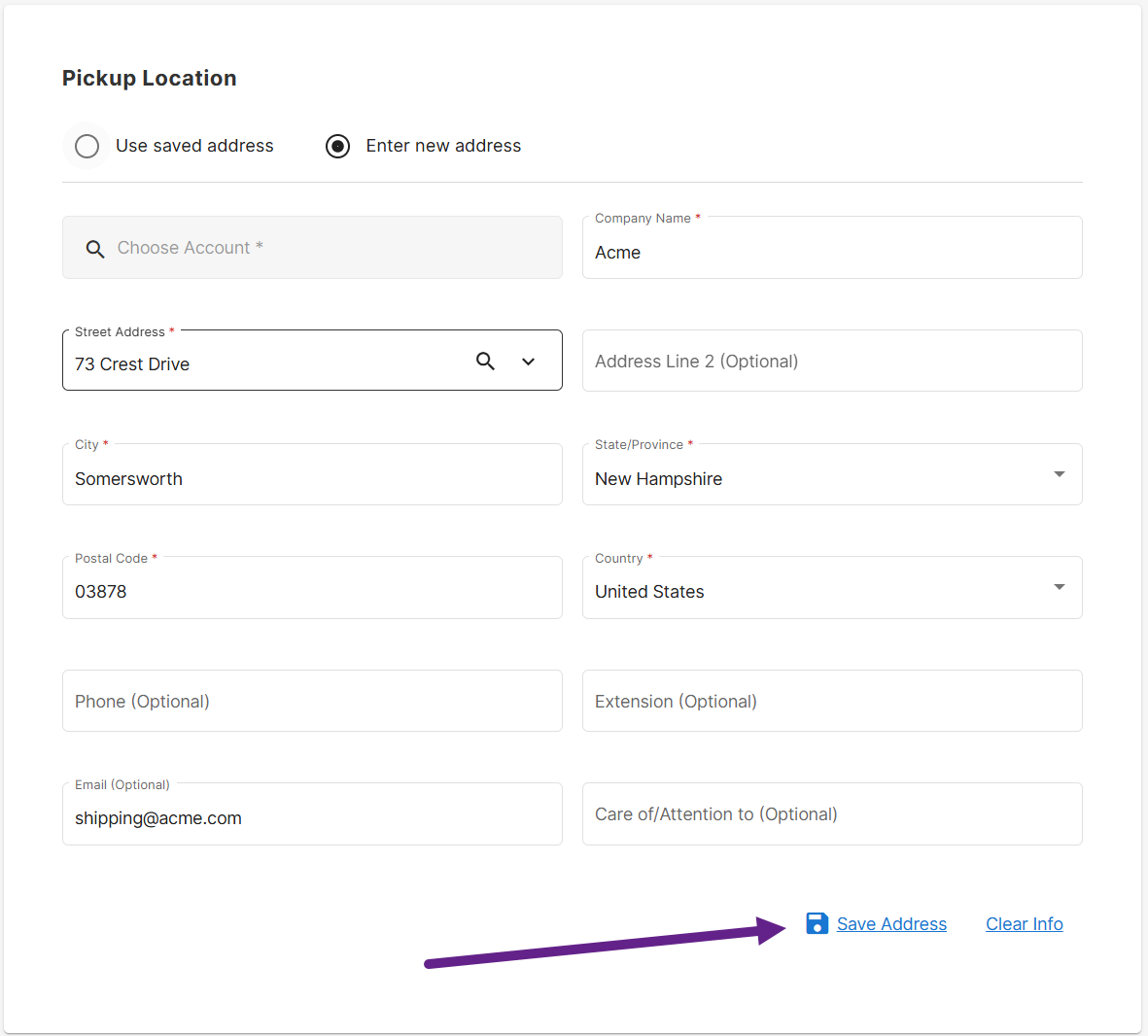
Now whenever you enter a new address, simply click the save address button to add it to your address book. Then next time, you can use the saved address function to avoid typing the information in again.
Run a Quote
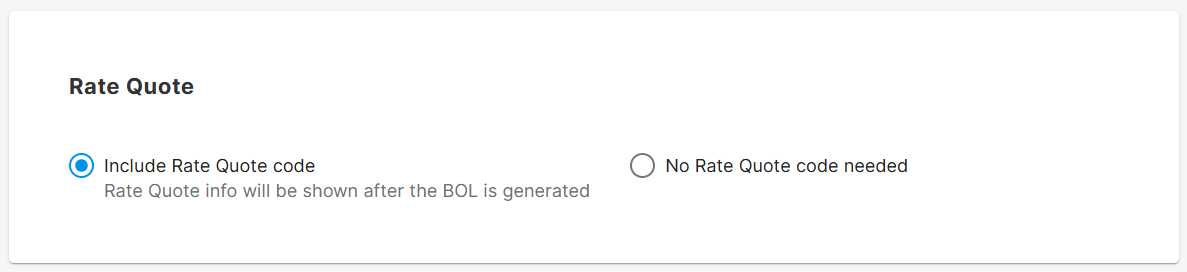
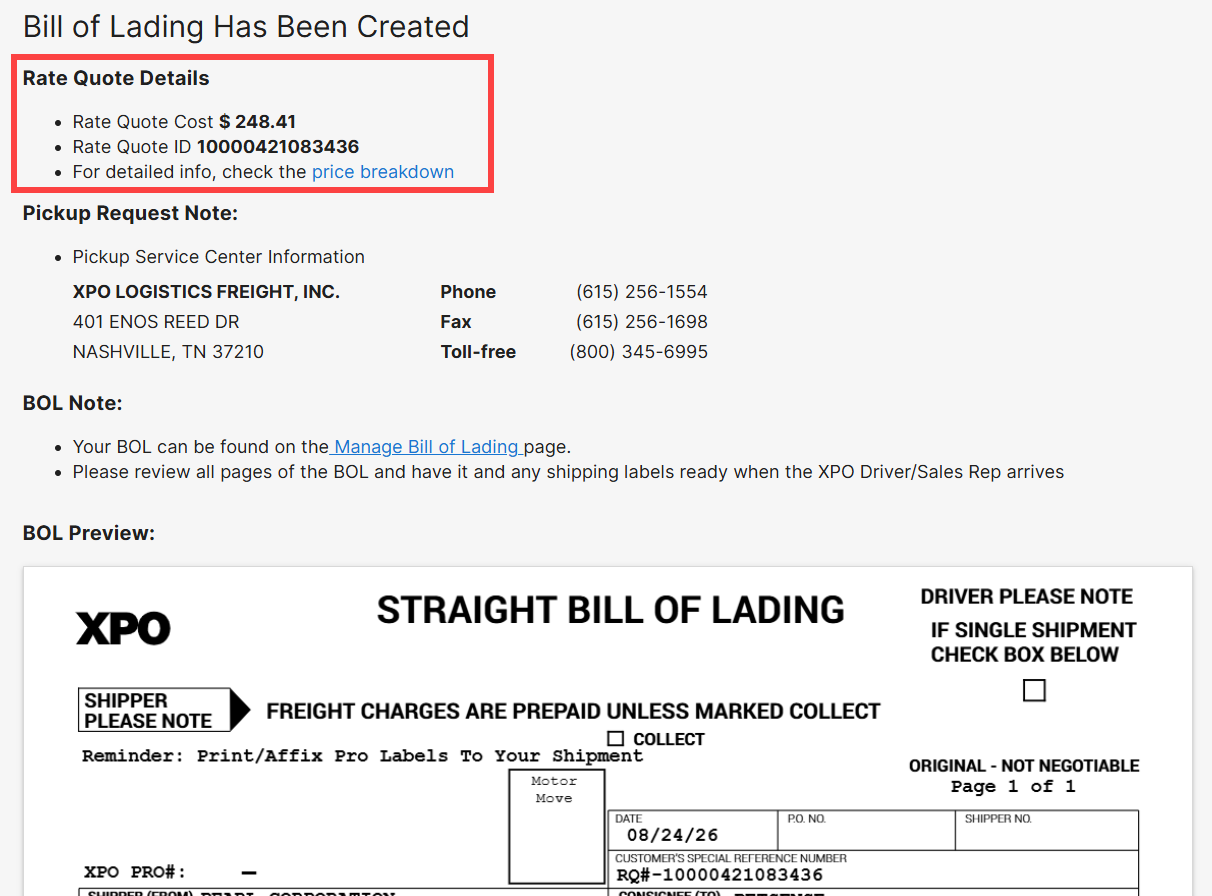
No need to run a quote, then create the BOL now that we have combined this into a single step. By selecting this option, the confirmation page will include a rate quote amount and nomber based on the information you provided in the BOL.
Notifications
Some times you need to keep a close eye on an upcoming shipment, but you used to have to wait until after the freight shipped to sign up for notifications. Now as long as you are having a pro assigned or using a pre assigned pro, you can sign up for notifications right from the BOL creation screen.
Multi BOL Upload
Say you have ten shipments going out tomorrow and you need to create bills of lading for all ten. Instead of going through the BOL creation process ten times, use the new multi BOL option instead by selecting "Upload BOL Spreadsheet". A spreadsheet template will be provided (if you don't already have it) that also contains some helpful instructions. Is it faster than going through the existing process once? Definitely not. Is it faster than going through the existing process ten times? Absolutely!