
Help Center
Print labels for BOLs with assigned pros
* Note that labels can only be printed for BOLs that have had a PRO number pre-assigned to them.
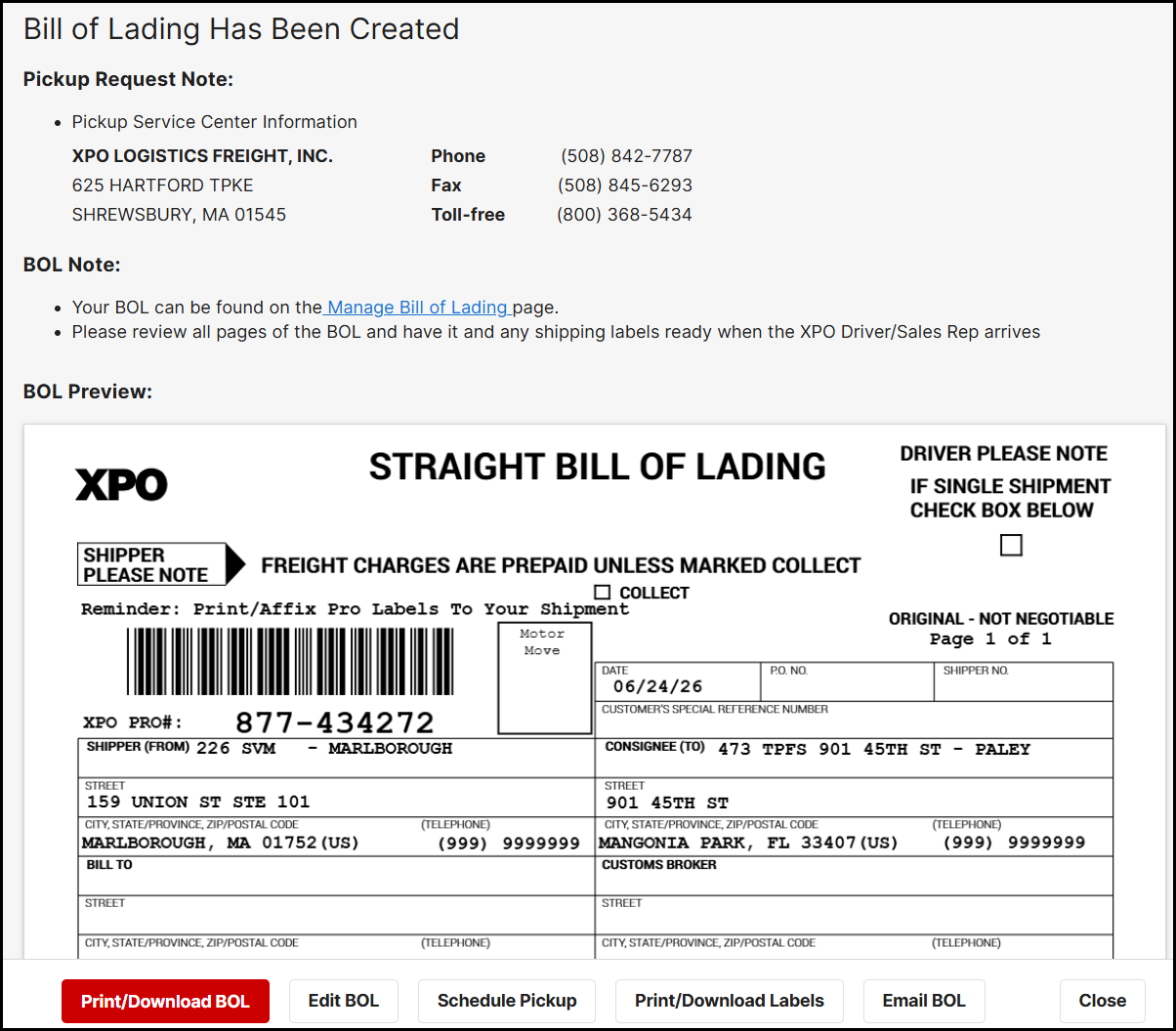
At the end of the BOL process (available only for logged in users of the site), if you selected to have a pro assigned to your bill, you will see an image like the one below.
Click on the Print/Download Labels button and you will be guided through the process. You can also revisit previously created BOLs by visiting the BOL page of the site and print their labels assuming they have a pro assigned.
FAQ
What are the PRO label barcode specs for LTL with XPO?
2D PRO label: 8 large square 2D Data Matrix barcodes at 1.063” wide x 1.063” high. 2D Data Matrix Barcode format is 16 x 16 x 20.
1D Barcode labels: 2 barcode labels located at the bottom are Code: 39, 13.3 2.5:1. Linear codes at 2.188” wide x .313” high.
What type of labels do I need to use to print PAPs labels?
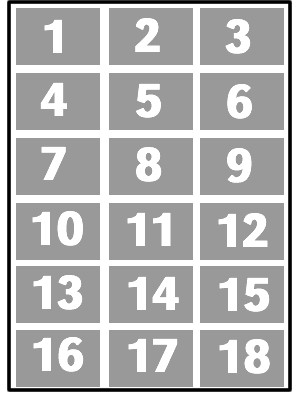
Use Avery Shipping Labels Laser 6871. There are 18 labels per sheet and the label size is 1 1/4" x 2 3/8". The labels should print fine on all laser printers and will hold up well in most situations. Inkjet printers can be used, but like anything printed on an inkjet printer, the labels will usually smudge if they get wet.
Use the following font specs:
- The larger human-readable PRO number 2D bar code is Arial Narrow 20 pt.
- The smaller human-readable PRO number 1D bar code is OCR-A 14 pt.